How to Increase Sales with CRM Software
67% of CRM users report better tracking of sales opportunities and customer leads.
Still tracking customers in Excel? It's time to make the switch. Learn how to migrate from Excel to CRM step by step — including data migration, team adoption, and proven transition strategies for growing businesses.
The vast majority of businesses start managing customers in Excel. And there's nothing surprising about that — Excel is a tool almost everyone knows, it's accessible, and it's flexible. At first glance, it seems ideal for keeping customer lists, recording contact information, and creating basic sales tables.
However, as your business grows, your customer base expands, and your sales team gets larger, Excel's limitations become increasingly apparent. According to 2026 research, 43% of companies managing customers in Excel reported losing critical customer data, while 61% experienced disruptions in their follow-up processes.
In this guide, we'll walk through why Excel-based customer management falls short, how to transition to CRM, and the critical points to keep in mind during this process. Whether you're a small business with 10 customers or a growing company with 10,000 — making the switch to CRM at the right time is one of the most important decisions that will shape your business's future.
Understanding the differences between Excel and CRM helps you make an informed transition decision. The comparison table below clearly highlights the fundamental differences between the two tools:
| Feature | 📊 Excel | 🚀 CRM Software |
|---|---|---|
| Data Entry | Manual, high error risk | Automatic capture (forms, WhatsApp, ads) |
| Team Collaboration | File sharing, version confusion | Real-time, multi-user access |
| Customer History | Scattered notes across different tabs | Complete history in one customer card (calls, emails, meetings) |
| Follow-up & Reminders | None (manual tracking required) | Automatic reminders, task assignment |
| Reporting | Manual pivot tables, formulas required | Real-time dashboards and automated reports |
| Automation | None (limited to macros) | Workflows, email automation, lead distribution |
| Mobile Access | Limited and impractical | Fully functional mobile app |
| Data Security | Low (file loss, unauthorized access risk) | High (encryption, permissions, backups) |
| Integrations | Manual data transfer | WhatsApp, Meta, Google Ads, email, accounting software |
| Scalability | Slows down with thousands of rows, crashes | Handles hundreds of thousands of records seamlessly |
Excel is a great tool for basic data storage. But customer relationship management isn't a spreadsheet problem — it's a process and communication challenge. Here are 7 critical areas where Excel falls short, with real-world examples:
What did you discuss with a customer on the phone last month? Which proposal did you send? In Excel, this information is either in a separate tab, a note file, or nowhere at all. In a CRM, every customer's card contains all call notes, emails, WhatsApp messages, and meeting records in chronological order.
Real Scenario: Your sales rep leaves the company. The Excel customer list exists, but there's no record of who discussed what, or which stage deals were in. The new rep has to start from scratch — and customer trust erodes.
Excel won't tell you "call back the customer who saw a demo 3 days ago." Features like reminders, task assignment, and automated follow-ups don't exist in Excel. A CRM creates automatic tasks and reminders at specific stages, ensuring no opportunity falls through the cracks.
Real Scenario: You have 50 active proposals. Finding which ones need follow-up today takes at least 20 minutes in Excel — and you'll likely forget a few. In CRM, your daily tasks greet you when you log in each morning.
If your 3-person sales team works on the same Excel file, version chaos is inevitable. Issues like "Which file is the latest?" and "John's file has different data" become part of daily life. In a CRM, everyone accesses the same up-to-date data simultaneously.
"How many proposals did we send this month? What's our conversion rate? Which sales channel performs best?" Finding answers to these questions in Excel means creating pivot tables, writing formulas, and spending hours. CRM's reporting and analytics module generates these reports in real-time and automatically.
Sending an automatic welcome email when a new lead comes in, sending reminder messages for deals stuck at a certain stage, automatically distributing leads to sales reps — Excel can't do any of this. CRM's sales automation and marketing automation modules fully automate these processes.
When an Excel file is shared via email, copied to a USB drive, or accidentally deleted, all your customer data is at risk. Under regulations like GDPR, protecting customer data is a legal obligation. CRM systems protect your data with encryption, role-based access, automatic backups, and access logging.
Your Excel file that started with 50 customers slows down at 5,000 customers, formulas break, and even searching takes minutes. CRM systems are designed to work seamlessly with hundreds of thousands of records. As your business grows, CRM scales with you.
If 3 or more of the following situations apply to your business, it's time to transition from Excel to CRM:
The transition from Excel to CRM is a remarkably smooth process when properly planned. Below is a 6-step roadmap used by businesses that have successfully migrated from years of Excel use:
Before starting the transition, answer these questions:
This analysis clarifies your CRM requirements and helps you choose the right CRM solution.
This is the most critical step of the entire transition. Before importing your Excel data into a CRM, make sure to:
Not all CRMs are created equal. When selecting a CRM that fits your business needs, pay attention to these criteria:
For a detailed comparison, check out our How to Choose CRM Software guide.
After choosing your CRM, it's time to import your cleaned Excel data. Modern CRMs make this process very straightforward:
The biggest challenge in technology transitions is the human factor. For seamless team adoption:
The CRM transition isn't a one-time event — it's a continuously evolving process:
Data migration is the most critical technical step in the Excel-to-CRM transition. Managing this process correctly ensures your CRM works efficiently from day one. Here's the step-by-step data migration process:
You don't need to import every piece of data from your Excel files. Organize by priority:
CRM import modules typically expect a specific format. When preparing your file:
The CRM will ask you to map your Excel columns to its own fields. For example:
| Excel Column | CRM Field | Important Note |
|---|---|---|
| Customer Name | Full Name / Contact Name | Keep first and last name separate |
| Company Name | Company / Organization | Can be left blank for individual customers |
| Phone | Phone Number | Format: +1 555-123-4567 |
| Email Address | Validate email format | |
| City | City / Location | Use full names instead of abbreviations |
| Last Contact | Last Contact Date | Date format: MM/DD/YYYY |
| Status | Customer Status / Stage | Map to CRM pipeline stages |
Before importing all your data, run a test import with a small sample of 50-100 records. Verify:
Many businesses repeat the same mistakes when migrating from Excel to CRM. Avoiding these pitfalls makes your transition process much smoother:
Excel data accumulated over years contains duplicate records, wrong phone numbers, old email addresses, and inactive customer information. Importing this "dirty" data into your CRM causes the new system to work inefficiently too.
✅ Solution: Always clean your data before migration. Merge duplicate records, update invalid contact information, or archive obsolete entries.
Choosing and setting up a CRM, then presenting it to the team with "we're using this now" is met with resistance. If the sales team doesn't understand why the change is needed, they won't use the CRM and will revert to Excel.
✅ Solution: Make the transition decision together with your team. Show them with concrete examples how CRM will save them time and increase their sales. Involve the team in the CRM selection process.
Selecting an enterprise-level CRM with hundreds of features can be overwhelming for a team transitioning from Excel. You end up paying license costs for unused features while struggling to learn even the basics.
✅ Solution: Choose a CRM that's easy to use and fits your needs. Start with basic features and gradually adopt advanced ones. Modular platforms like Planports CRM offer an ideal solution for this approach.
The "let's use both for a while" approach during the transition period is one of the most common mistakes. Running two systems in parallel leads to fragmented data and inconsistencies.
✅ Solution: Keep the transition period short (2 weeks maximum). After this period, archive Excel customer files and adopt CRM as the single source of truth. The "single source of truth" principle is critical.
The "just open the CRM and figure it out" approach leads to low adoption rates. The team fails to discover CRM's potential, and usage remains superficial.
✅ Solution: Organize short, practical training sessions. Show use-case scenarios specific to each department. Hold weekly 15-minute "tips and tricks" meetings for the first 30 days.
Planports CRM offers features specifically designed for businesses transitioning from Excel. Here's what makes Planports ideal for the Excel-to-CRM switch:
Planports features that make the Excel transition effortless:
Start Free Trial → Request Demo
Transition time varies based on business size and data volume. For small businesses it takes 1-2 weeks, mid-sized companies 2-4 weeks, and large enterprises 1-3 months. User-friendly platforms like Planports CRM significantly shorten the technical migration to just a few hours thanks to the Excel import feature. The real time is spent on data cleanup and team training.
Yes, the vast majority of modern CRM software supports data import from Excel (.xlsx) and CSV files. Planports CRM allows you to directly import customer information, contact records, and sales data from your Excel files. Cleaning your data and standardizing column headers before import makes the migration much smoother.
No, modern cloud-based CRM software does not require technical expertise. Platforms like Planports CRM are designed with intuitive interfaces and drag-and-drop features so anyone who can use Excel can easily adapt. Technical tasks like installation, updates, and maintenance are handled by the CRM provider. Free training and live support services are also included.
The most important difference is automation and collaboration capability. Excel is a static spreadsheet application where every update is manual. CRM automatically records customer interactions, creates follow-up reminders, generates reports, and enables the entire team to access the same up-to-date data simultaneously. Excel "holds data" — CRM "works with data."
If you have fewer than 50 customers and a one-person sales team, Excel may suffice in the short term. However, if you have growth ambitions, switching to CRM early provides a strategic advantage. Research shows that small businesses using CRM increase their sales revenue by an average of 29%. Additionally, when your customer count suddenly spikes, CRM migration becomes an urgent project, and transitions done under time pressure tend to be more problematic.
The most common mistake is migrating data without cleaning it first. Excel data accumulated over years contains duplicate records, missing information, and outdated entries. Importing this dirty data into CRM causes the new system to work inefficiently as well. The second most common mistake is forcing CRM adoption without training the team or involving them in the process.
Excel is a great starting point for customer management. But just like a bicycle can take you only so far before you need a car — Excel carries you to a certain point, and beyond that, you need CRM.
Let's summarize what we covered in this guide:
The Excel-to-CRM transition isn't a cost — it's an investment. The return on this investment: more sales, less customer churn, a more efficient team, and more predictable revenue growth. In 2026, every business that wants to stay competitive must take this step.

67% of CRM users report better tracking of sales opportunities and customer leads.
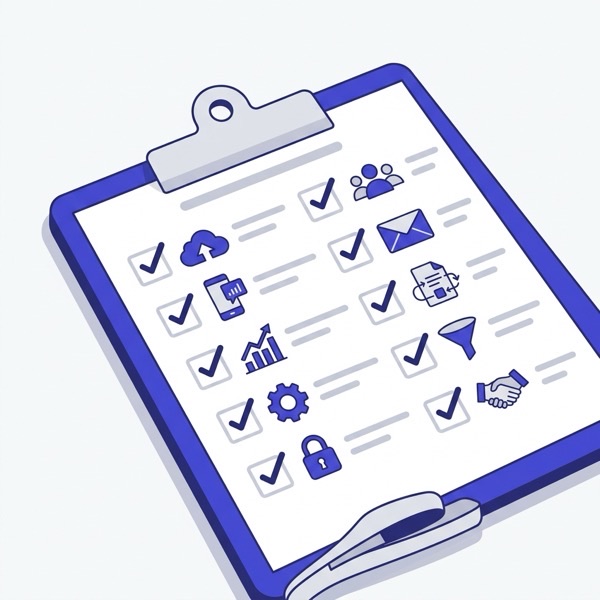
10 critical criteria to consider when selecting the right CRM software for your business.
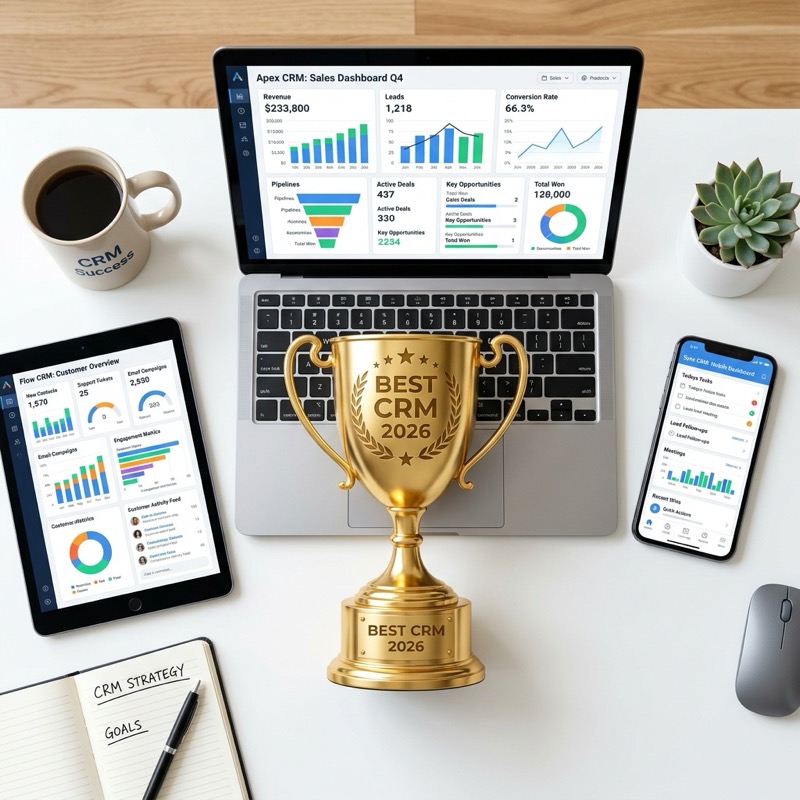
Today's best CRM software gathers customers from different channels on one platform.