What is AI-Powered CRM? 2026 Guide for Small Businesses
AI lead scoring, sales forecasting, and smart customer management — how does it work with AI CRM?
What are the key differences between CRM and ERP software? Which should your business choose — or should you use both? This comprehensive 2026 guide provides the right decision framework for businesses of every size.
When digital transformation comes up in business conversations, two acronyms always lead the discussion: CRM and ERP. Both are software systems that digitize different areas of a business and boost efficiency, yet many business owners and managers confuse the two or struggle to decide which one deserves their investment.
The main reason for this confusion is that CRM and ERP software sometimes have overlapping features. A CRM may include proposal management; an ERP may have customer cards. But these similarities are misleading — the two software categories fundamentally solve different problems and serve different business goals.
According to research, over 70% of SMBs still don't use CRM or ERP and run their business processes through spreadsheets, messaging apps, and paper-based methods. This gap puts businesses that lag behind in digitization at an increasing competitive disadvantage.
In this guide, we'll examine the 8 key differences between CRM and ERP, when to choose which, combined usage scenarios, and how Planports CRM bridges the gap with its ERP-like features.
CRM (Customer Relationship Management) is a software system that enables businesses to manage all interactions with their customers from a centralized platform. CRM's focal point is the customer: it covers the entire customer journey from prospect to existing customer, from first contact to post-sale support.
The core functions of a CRM system include:
In short, CRM answers the question: "Who are our customers, what do they want, and how can we serve them better?" As the primary tool for sales and marketing teams, CRM directly supports revenue growth.
ERP (Enterprise Resource Planning) is an integrated software suite that enables businesses to manage all internal operations through a single system. ERP's focal point is operations: it covers accounting, manufacturing, supply chain, warehouse management, human resources, and financial planning.
The core modules of an ERP system include:
ERP answers the question: "How can we use our resources more efficiently, reduce costs, and optimize our operations?" It's typically the primary tool for finance, manufacturing, and operations teams.
To properly understand CRM and ERP, you need to compare these two software categories across multiple dimensions. Here are the 8 key differences between CRM and ERP:
| Criteria | CRM | ERP |
|---|---|---|
| 1. Focus Area | Customer relationships, sales & marketing (external focus) | Internal operations, finance & manufacturing (internal focus) |
| 2. Primary Users | Sales team, marketing team, customer service | Finance, accounting, manufacturing, logistics, HR teams |
| 3. Core Objective | Drive revenue growth, close more deals | Reduce costs, increase operational efficiency |
| 4. Data Types | Customer info, communication history, sales opportunities, campaign data | Financial data, inventory levels, production data, payroll records |
| 5. Implementation Time | Fast (days to weeks). Cloud CRMs can be used same day | Long (months to years). Customization and data migration take time |
| 6. Cost | Low to moderate. Per-user monthly subscription ($10–$100+/mo) | High. Licensing + setup + customization ($10,000–$1,000,000+) |
| 7. Complexity | Low to moderate. User-friendly, quick learning curve | High. Requires extensive training and consulting |
| 8. SMB Suitability | Highly suitable. 90% of SMBs start with CRM | Limited. Full-scale ERP is typically suited for large enterprises |
Despite the differences listed above, CRM and ERP do share some common ground — and these overlaps are what cause confusion:
However, these similarities don't mean the two systems do the same job. The "invoicing module" in a CRM and the comprehensive accounting system in an ERP are vastly different — much like the difference between a smartphone camera and a professional DSLR.
There's no single right answer to the "CRM or ERP?" question. The right decision depends on your business's size, industry, current needs, and growth goals. Here's a framework to help you decide:
Typical profile: 2–100 person SMBs, sales-driven businesses, service sector
Typical profile: 50+ person manufacturing firms, factories, multi-location retail chains
Typical profile: 100+ person growing companies, businesses with both sales and manufacturing operations
Absolutely yes. In fact, the ideal scenario is CRM and ERP working together in an integrated fashion. This integration allows businesses to manage both the customer-facing and operational sides as a unified whole.
Let's look at how CRM-ERP integration works in practice through three scenarios:
Scenario 1 — Automated Sales-to-Production Flow: The sales team marks a deal as "Won" in CRM → Order information automatically transfers to ERP → A production order is created in ERP → Inventory is checked → A purchase order is triggered for missing materials. Human intervention is minimized, error rates drop, and the process speeds up.
Scenario 2 — Real-Time Inventory Visibility: While a sales rep is on a call with a customer in CRM, they can instantly see current stock levels from ERP. They can confidently say "We have 500 units in stock with a 5 business day delivery time," building trust and accelerating the sales cycle.
Scenario 3 — Unified Customer Profile: The accounting team can view a customer's payment history from ERP while pulling their sales history and communication records from CRM. This enables holistic decisions like "This customer has paid late 3 times, but they're also one of our top 10 accounts."
For the vast majority of small and mid-sized businesses, a full-scale ERP system is both costly and unnecessarily complex. So what should SMBs do?
| Business Size | Recommended Approach | Why? |
|---|---|---|
| Micro (1–9 employees) | CRM Only | Sales and customer management is the most critical need. Simple solutions are enough for accounting. |
| Small (10–49 employees) | CRM + Basic Accounting Module | As sales grow, invoicing and accounts receivable tracking become important. A CRM with ERP-like modules is ideal. |
| Mid-size (50–249 employees) | CRM + Lightweight ERP or Integrated Solution | Operational complexity increases. CRM-ERP integration or a platform offering both is needed. |
| Large (250+ employees) | CRM + Full ERP | Both systems are separately required. Integration between them is critical. |
Businesses that use and integrate both CRM and ERP gain significant advantages over those using each system separately. Here are 7 critical benefits of integration:
Planports CRM goes beyond traditional CRM software by offering the ERP-like features that SMBs need most within a single platform. This means you can address many operational needs without purchasing a separate ERP or paying for additional integration.
Planports' accounting module covers essential financial management needs for SMBs:
Planports' inventory tracking module simplifies inventory management for product-based SMBs:
Planports' proposal management module lets you create and track professional proposals:
If you're already using an ERP or accounting software, Planports CRM's integration infrastructure lets you synchronize your data. With API support and pre-built integrations, you can easily establish CRM-ERP connectivity.
Start Free Trial → Request Demo
CRM (Customer Relationship Management) is customer-focused — it manages sales, marketing, and customer relationships. ERP (Enterprise Resource Planning) is operations-focused — it manages accounting, manufacturing, supply chain, and HR processes. In short, CRM looks outward (at the customer), while ERP looks inward (at operations).
For most SMBs, starting with CRM makes more sense. Optimizing operations without managing sales and customers first offers limited returns. Strengthen your revenue side with CRM first, then add ERP or ERP-like modules as needs grow. CRMs like Planports also offer ERP-like features such as basic accounting and inventory tracking to ease this transition.
Yes, CRM and ERP can be used together and in fact deliver the highest value when integrated. When working together, the sales team can see inventory levels, the accounting team can automatically receive sales data, and management can monitor all business metrics from a single dashboard.
CRM-ERP integration can be accomplished through API connections, middleware platforms (such as Zapier or Make), or pre-built integration modules. Planports CRM offers integration capabilities with popular accounting and ERP software. Additionally, its built-in accounting and inventory modules cover many core ERP needs within a single platform.
ERP software is generally much more expensive than CRM. Total cost of ownership — including setup, licensing, customization, and training — can reach tens or even hundreds of thousands of dollars for SMBs. Cloud-based (SaaS) ERP solutions reduce this cost, but still require a higher budget than CRM. That's why many SMBs prefer to leverage CRM platforms with ERP-like features to keep costs down.
In addition to classic CRM features, Planports CRM offers ERP-like modules including basic accounting (invoicing, income-expense tracking, accounts receivable/payable), inventory tracking (product cards, warehouse management, stock movements), and proposal management (professional proposal creation, approval workflows). This allows SMBs to address many operational needs without purchasing a separate ERP system.
CRM and ERP are two powerful software categories that address different but complementary business needs. CRM manages customer relationships and sales, while ERP manages internal operations and resources. They're not alternatives — they're complements.
However, not every business needs both systems at the same time. For SMBs in particular, the right starting point is usually CRM. Here's why:
The right software choice depends on your business's size, industry, and current needs. Use the decision matrix in this guide to evaluate your situation and make an informed investment decision.

AI lead scoring, sales forecasting, and smart customer management — how does it work with AI CRM?
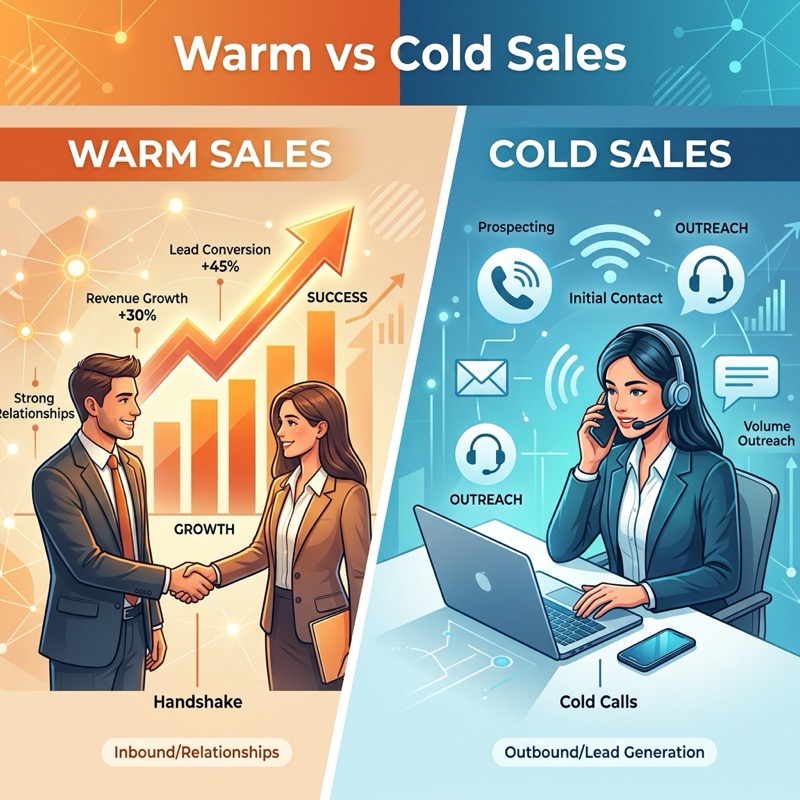
67% of CRM users report better tracking of sales opportunities and customer leads.
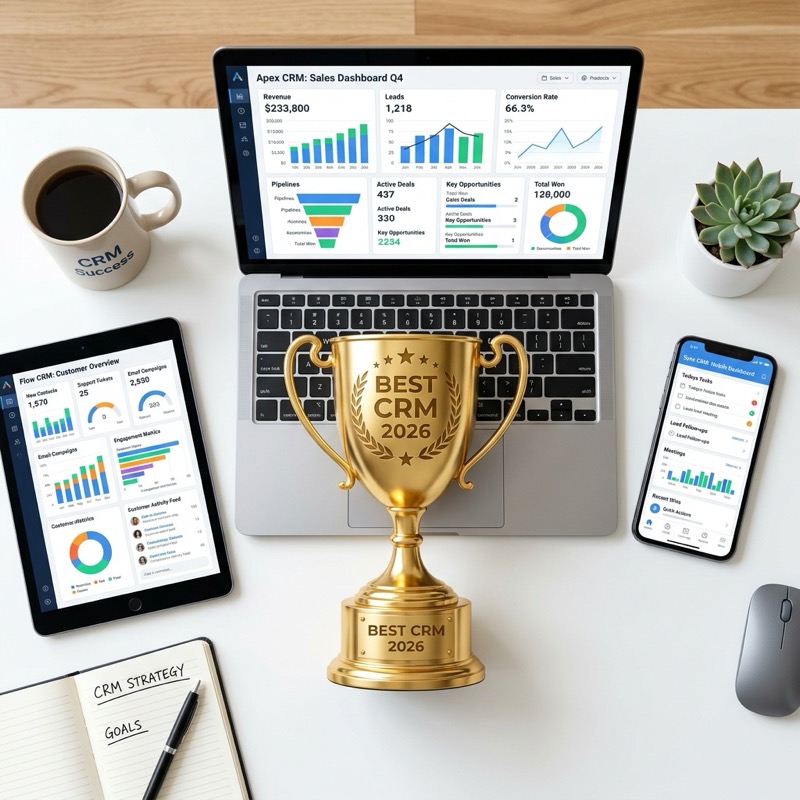
Today's best CRM software gathers customers from different channels on one platform.